Application Modernisation
Is Your Business Running Unsupported Software? Five Questions to Ask Your Developer
Unsupported software may continue working while its security and recovery options quietly shrink. Ask for deployed-version evidence, patch ownership and a staged upgrade route before an urgent vulnerability removes your choices.

End of support is an engineering fact, not immediate failure
Software does not stop on its end-of-support date. That is why unsupported systems survive unnoticed. The change is that the maintainer no longer promises security fixes, reliability corrections or assistance for that release. The next defect may have no supported remedy.
End of life and end of support are sometimes used differently by vendors, so check the product policy. Also distinguish a supported major version from a supported patch level. Microsoft expects current .NET servicing updates; remaining on the original patch of an LTS release is not the intended support model.
The application has several clocks: operating system, runtime, web framework, database, packages, browser integrations and hosted services. “We use .NET” or “it is in Azure” does not state whether the deployed combination is supported.
Question 1: What exact versions are running in production?
Ask for the live runtime, framework, operating system, database engine and material dependencies. Repository target files are useful but not conclusive. A deployment can lag behind source, a server can load a different runtime, or one old instance can remain behind a load balancer.
Evidence may include platform inventory, deployment artefact metadata and a controlled diagnostic endpoint that does not reveal sensitive details publicly. Container tags should resolve to immutable digests where practical. “Latest” is a moving label, not an audit trail.
Include staging, background workers, scheduled jobs and internal administration tools. Attack paths and operational dependencies do not stop at the main website.
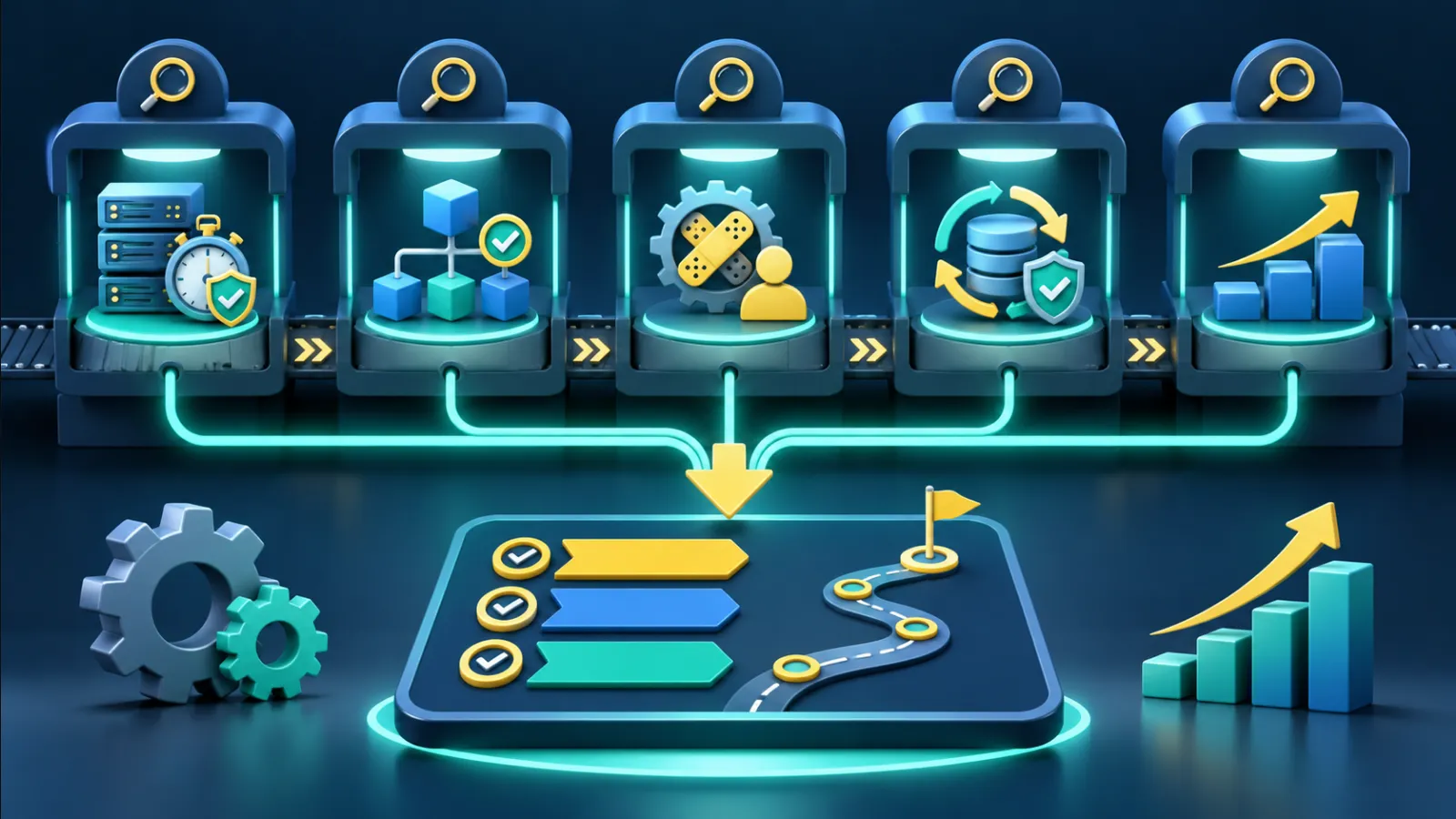
Question 2: Which components are unsupported or approaching their date?
Compare the inventory with official vendor lifecycle pages. Record both the end date and the source. Search snippets and third-party lifecycle sites can be stale. A commercial Linux vendor may backport fixes differently from the upstream project, so understand whose support policy applies.
Do not treat every old package as a vulnerability. An unsupported component lacks a future correction commitment; a vulnerable component has a known defect; an insecure design may be wrong regardless of version. These conditions overlap but need different responses.
Look ahead at least one budget cycle. A runtime ending support next quarter is a current planning issue even if scanners report no CVE today.
Question 3: Who monitors and applies updates?
Ask who receives advisories, who triages relevance, who approves work and who verifies production. If the answer names only a hosting company, establish whether its scope includes application runtimes and third-party packages.
Automatic dependency pull requests can shorten detection time. They do not approve breaking changes, test business behaviour or deploy safely. Unreviewed automation may also introduce compromised packages. Assign a human decision and a response target.
Maintenance should include routine servicing, not only emergency CVEs. Regular updates reveal incompatibilities while changes are small and support is available.
Question 4: Can the application be upgraded and recovered safely?
A test suite should cover important business behaviour, integrations and data access, not merely utility methods. Build and deployment automation should reproduce the artefact and support staged rollout. Observability should reveal whether the new version fails real journeys.
Rollback needs architectural thought. If the new release changes a database schema or emits messages the old version cannot understand, redeploying old binaries may make matters worse. Expand-and-contract migrations and version-tolerant messages preserve options.
Backups are not an upgrade plan. Test restoration, but also understand how to restore infrastructure configuration, certificates and integrations. An emergency upgrade is safer when the team has recently exercised the route.
Question 5: What is the costed upgrade roadmap?
A useful roadmap separates urgent exposure reduction, supported-target migration and optional redesign. It names assumptions, dependencies, test gaps and release stages. “Rewrite everything” is not a roadmap, and “leave it until it breaks” is not a cost saving.
Prioritise internet exposure, data sensitivity, privilege, known exploitation and operational criticality. A small public endpoint on an obsolete runtime may outrank a large isolated tool. Use evidence rather than system size.
Include the next lifecycle transition. Upgrading to a version close to its own end date merely moves the emergency.
Upgrade, update or rewrite?
| Action | Use when | Main risk |
|---|---|---|
| Patch update | Supported line has a compatible servicing fix | Restart or regression is not verified |
| Dependency update | A package can move independently | Transitive or behavioural changes are missed |
| Framework upgrade | Application structure remains viable on a supported target | Several breaking changes combine |
| Incremental modernisation | Capabilities can move behind safe seams | Old and new boundaries remain coupled |
| Rewrite | Evidence shows the current model blocks required change | Business rules and migration complexity are underestimated |
A security deadline does not automatically justify a rewrite. Rewrites take time and leave the old system exposed during delivery. A minimal supported migration may reduce risk first, followed by deliberate modernisation.
Why proactive upgrades cost less
Planned work can use representative testing, staged deployment and normal decision-making. Emergency work competes with incidents, supplier availability and fixed disclosure timelines. The technical change may be identical while the business cost is not.
Small version gaps are easier to reason about. Skipping releases accumulates changes in language, packages, hosting and data tooling. Documentation and community knowledge for intermediate migration paths also fade.
Regular upgrades improve organisational memory. A team that deploys and restores routinely is better prepared than one encountering the process for the first time during a critical advisory.
Warning signs in supplier answers
- Only a product name is supplied, with no deployed version.
- Cloud hosting is presented as proof that application packages are current.
- No individual or organisation owns advisory monitoring.
- The repository is current but production cannot be verified.
- All upgrades are deferred to an eventual rewrite.
- A rewrite is recommended before inspecting business rules and data.
- Backups exist, but no representative restore has been demonstrated.
- Support dates are absent from planning and budgets.
These signs do not prove compromise. They show that the business cannot yet demonstrate control of the software lifecycle.
Build a lifecycle register the business can govern
Record each material component, deployed version, environment, official support source, end date, accountable owner and planned target. Link the entry to evidence rather than copying a date that will become stale. Review the register at a cadence aligned with release and budget planning.
Include commercial products and appliances as well as source-built applications. A vendor may embed an open-source runtime and distribute the correction through its own product update. Installing an upstream package directly could break support, so follow the responsible vendor route while escalating delays.
Measure useful outcomes: percentage of internet-facing assets on supported releases, critical findings beyond target time, time from advisory to verified deployment, and restore exercises completed. A count of updates applied can reward activity without showing whether the highest-risk systems improved.
Report uncertainty honestly. “Version unknown” is a risk finding, not a blank to be omitted. It should trigger discovery and temporary exposure decisions until evidence replaces it.
Commission a focused technical review
A useful review inventories deployed components, validates support status, assesses exposure and dependency health, inspects build and recovery capability, and produces prioritised options. It is not a formal penetration test or certification.
The output should distinguish verified facts from unavailable evidence and engineering inference. It should also be usable by another competent team, avoiding a new dependency on the reviewer.
Use C3's related guides to understand incremental modernisation, ASP.NET MVC migration and the cost of legacy software.
Keep the review independent of a sales outcome
A review should be allowed to recommend routine patching, a contained framework upgrade, staged modernisation or replacement. If every assessment concludes with the reviewer's largest service, it is not providing a reliable decision boundary. Sometimes the right result is a small maintained change and a later review date.
Ask for assumptions, evidence and options with consequences. The business should be able to pause, seek another opinion or commission a different competent supplier using the resulting inventory and roadmap.
Frequently asked questions
Is unsupported software automatically compromised?
No. It means the release no longer has the promised correction path. Exposure and evidence determine immediate risk, but upgrade planning is still required.
Does an upgrade require a complete rewrite?
Usually not. Patch, framework migration or incremental modernisation may restore support with less disruption. Choose after inspecting code, data and dependencies.
Can a cloud provider upgrade the application for us?
It may patch managed platform layers. Application targets, packages, code and compatibility normally remain with the application owner or maintainer.
Find the lifecycle deadline before it becomes an incident deadline
Verified inventory is the first modernisation deliverable.
If a business system has unclear versions or no upgrade route, talk to C3 Software about a focused technical review and proportionate modernisation plan.